Blueprints / Captions / Social
Auto Captions
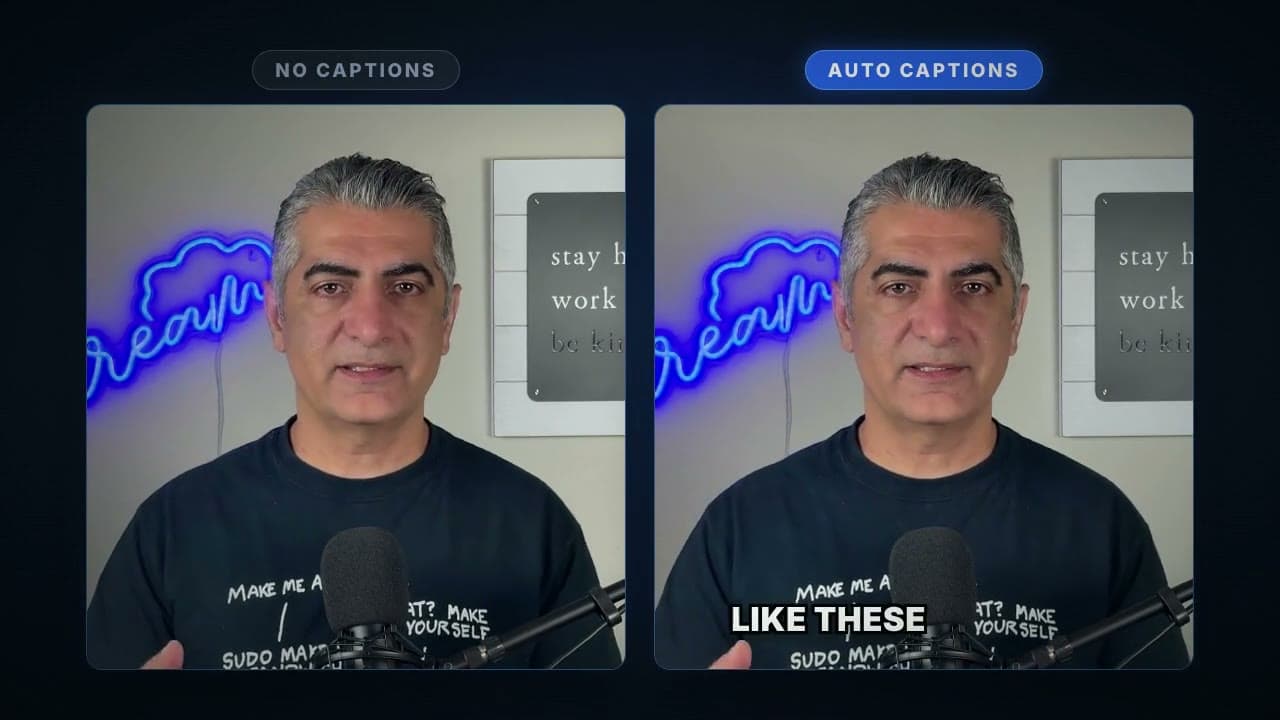
Upload a video, get accurate captions burned in. No editor, no subtitle files.
See it in action
How it works
Upload your video
Drop in any MP4, MOV, or WebM with spoken audio. Your file uploads straight to secure storage.
We transcribe the audio
Speech recognition converts the audio into timestamped subtitles. Pick the language or let detection handle it.
Captions get burned in
An FFmpeg pass renders the captions into the video itself using the style you picked. No separate subtitle track, no player settings.
Download the finished clip
You get a ready-to-post MP4. The captions show on every platform, every player, every time.
What this blueprint does
Captions are no longer optional. Most short-form video gets watched on mute, and platforms reward videos people actually stop for. But making captions is tedious: transcribe, fix timestamps, style the text, export, re-render. This blueprint does the whole chain in one run. Upload a clip, pick a style, and download the same video with captions permanently rendered into the pixels.
What you get
A single MP4 with accurate, styled captions rendered into the video. Post it anywhere: TikTok, Reels, Shorts, LinkedIn, your course platform. Nothing else to configure.
Who uses it
Short-form creators
Captions lift watch time on muted autoplay feeds. This gets you the burned-in look without an editor.
Course builders and educators
Make lessons accessible and easier to follow without exporting SRT files for every lesson.
Marketing teams
Batch through demo clips, ads, and social cuts with a consistent caption style.
Frequently asked questions
Do the captions work with sound off?
Yes. The captions are burned into the video frames themselves, so they display everywhere, including muted autoplay feeds. Viewers cannot turn them off.
What languages does it support?
Transcription supports dozens of spoken languages. English, Spanish, French, German, Portuguese, Hindi, and Japanese are in the picker, and automatic detection covers most others.
How accurate is the transcription?
Very good on clear speech, and it handles accents and moderate background noise well. Heavy music beds or crosstalk lower accuracy, like any speech recognition.
Can I edit the captions before they get burned in?
Not in this blueprint. It is built for the one-click path. If you need editable subtitles, the FFmpeg Micro API gives you the raw SRT from the transcription step so you can edit and burn in your own pass.
What does it cost?
Auto Captions runs on your plan's included compute, the same metering as any transcode. A typical short clip costs you nothing extra on the free tier.
Try Auto Captions on your own footage
Sign up free, open the blueprint, and run your first render in a couple of minutes.