Blueprints / Ecommerce / Social
Resize for Format
One clip, every aspect ratio. Reframe for Reels, feed, or YouTube in a click.
See it in action
How it works
Upload your video
Any MP4, MOV, or WebM at any starting aspect ratio. It becomes the source for the reframe.
Pick the target format
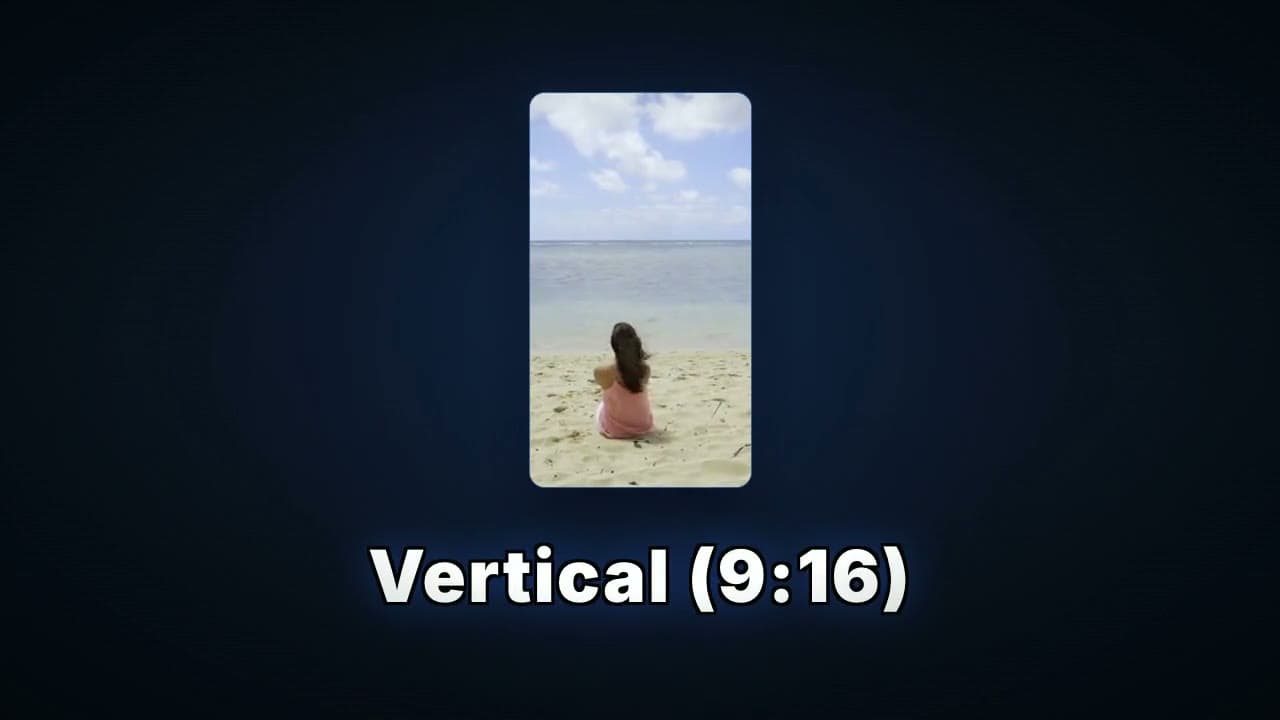
Vertical 9:16, square 1:1, widescreen 16:9, or portrait 4:5. Choose the shape the destination platform expects.
Choose pad or crop
Pad keeps every pixel and adds bars to fill the frame. Crop fills the frame edge to edge and trims what falls outside.
Download the reframed clip
One render later you have an MP4 at the exact ratio you need, ready to upload.
What this blueprint does
Every platform wants its own shape. YouTube is widescreen, Reels and TikTok are vertical, the feed is square or portrait. Shooting once and posting everywhere means reframing the same clip over and over, and doing it in a timeline editor is slow and finicky. This blueprint reframes a video to any of the common ratios in one pass. Pick the format, choose whether to keep the whole frame or fill it, and download a clip sized for where it is going.
What you get
Your clip reframed to the target aspect ratio, either letterboxed to keep the full frame or cropped to fill it, exported as a platform-ready MP4.
Who uses it
Multi-platform creators
Shoot once and repurpose the same clip for vertical, square, and widescreen feeds.
Social media managers
Reframe client footage for every channel without opening an editor for each one.
Marketing teams
Adapt one ad cut into every placement size on a repeatable, consistent pass.
Frequently asked questions
Should I choose pad or crop?
Pad keeps your whole frame and adds bars, which is safest when nothing can be cut off, like text or a full product shot. Crop fills the frame with no bars but trims the edges, which looks cleaner for footage with room to spare around the subject.
Will cropping cut off my subject?
Crop centers the frame and trims the edges to fill the target ratio, so anything near the edges can get cut. If your subject sits near a border, pad is the safer choice.
Does it change the video quality?
It re-encodes to the new frame size, so it is a fresh export rather than a quality-free copy. The output stays visually clean; there is no upscaling trick, just a clean reframe.
What does it cost?
Resize for Format runs on your plan's included compute like any transcode. The free tier is enough to reframe a lot of clips.
Try Resize for Format on your own footage
Sign up free, open the blueprint, and run your first render in a couple of minutes.