Blueprints / Social
Video to Animated GIF Converter
From video file to the looping thing you can paste anywhere. Instant, light, no player.
See it in action
How it works
Upload your video
Any MP4, MOV, or WebM. The GIF is taken from the start of the clip, so trim first if the moment is later.
Choose length and width
5, 10, or 15 seconds, at 480 or 640 pixels wide. Shorter and narrower means a lighter file.
Add a caption (optional)
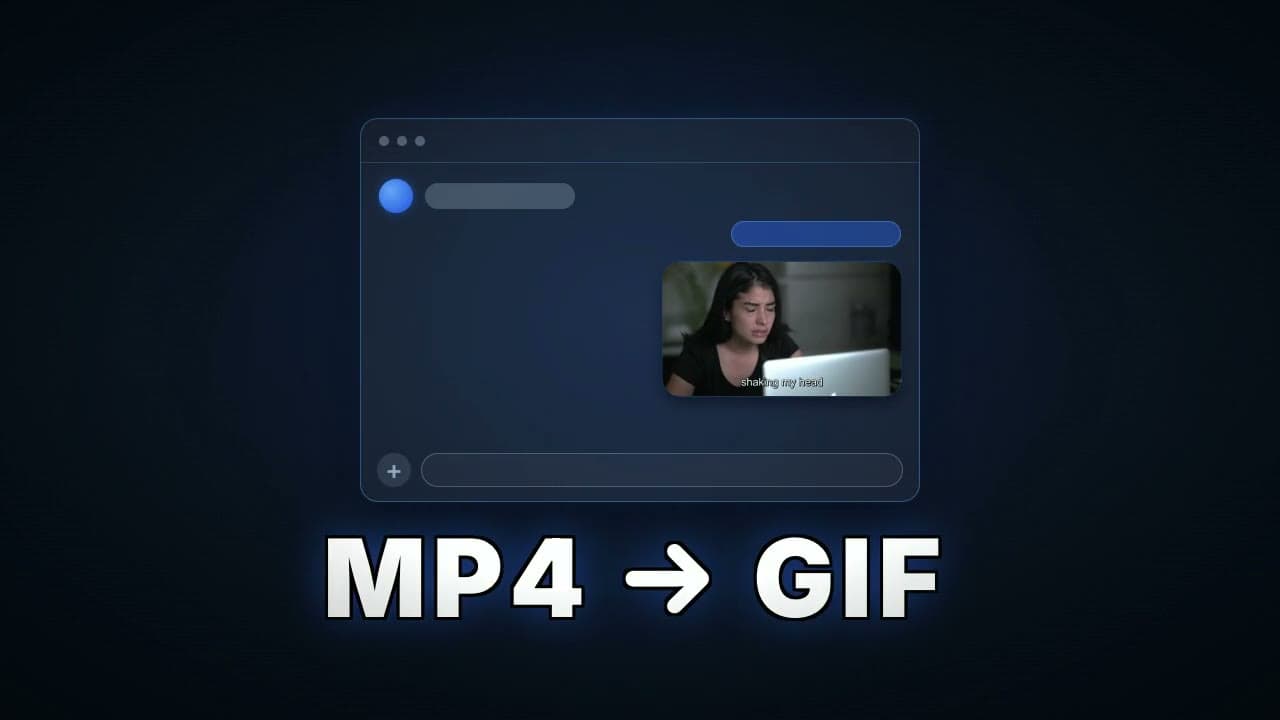
Type meme-style text and pick whether it sits at the top, center, or bottom. It is burned into the GIF, so it travels with the file wherever it is pasted.
Download the animated GIF
A palette-optimized, smoothly dithered animated GIF at 15 frames per second, ready to paste anywhere.
What this blueprint does
A GIF is still the only moving image you can paste absolutely anywhere: Slack, GitHub, Notion, email, a support ticket. Nothing to click, nothing to buffer, no sound to apologize for. The problem is that most video-to-GIF converters produce muddy colors and bloated files, because a GIF can only hold 256 colors and choosing them well is the whole game. This blueprint uses FFmpeg’s two-pass palette technique: it studies your footage first, builds a palette around the colors that actually appear, and then renders the GIF with it. The result is noticeably sharper than a naive conversion at the same file size.
What you get
A sharp, palette-optimized animated GIF of your clip at the length and width you chose, small enough to paste into message threads, comment threads, docs, and pull requests.
Who uses it
Developers and PMs
Drop a bug repro or feature demo straight into a PR, ticket, or standup thread.
Support and success teams
Answer how-do-I questions with a looping walkthrough instead of a paragraph.
Community and meme makers
Cut a reaction moment that plays instantly wherever it lands.
Frequently asked questions
Why do these GIFs look better than other converters?
GIFs are limited to 256 colors. This blueprint runs a first pass to build a palette from the colors your footage actually uses, then renders with it, so gradients and skin tones survive instead of banding.
How big will the file be?
It depends on length, width, and how much motion the footage has. The 480 pixel, 5 second setting typically lands in comfortable chat-upload range; 640 at 15 seconds is the heaviest combination.
Can I add meme text to the GIF?
Yes. Type a caption and choose top, center, or bottom placement, and it is burned into the GIF itself. Because it is part of the image, the text survives everywhere the GIF gets pasted, including apps that strip captions from video.
Can I pick which part of the video becomes the GIF?
The GIF starts at the first frame of the upload. If the moment is mid-clip, trim the video first and upload just that section.
What does it cost?
The Video to Animated GIF Converter runs on your plan's included compute like any transcode. There's a free tier to start, no credit card required.
Try Video to Animated GIF Converter on your own footage
Sign up free, open the blueprint, and run your first render in a couple of minutes.